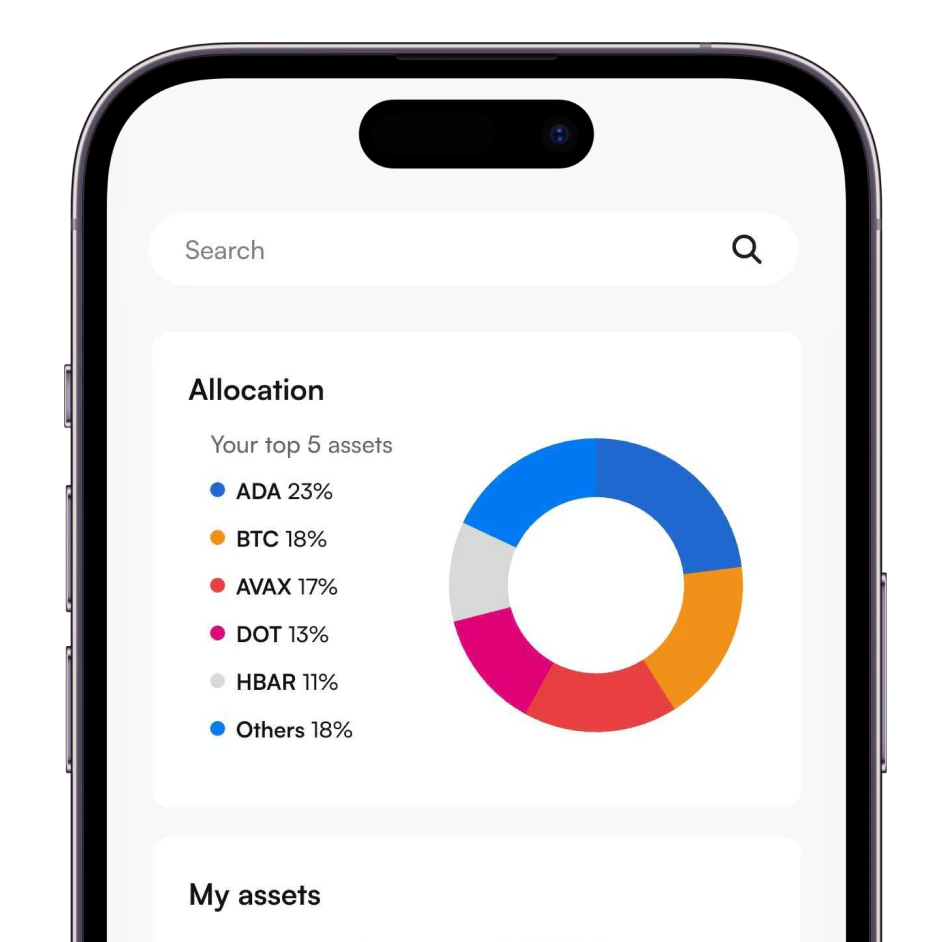
Coinmerce App

Buy Request
REQ
The basics of Request in plain language
What is Request?
If you want to learn about Request, read all about it in the What is overview.
How to buy Request?
You want to buy Request? You can buy Request using SEPA at Coinmerce. Once you are logged in, you will see "Coins" in the top menu where you click on. Now you come to a page with all crypto coins that Coinmerce offers. If you don't see Request, use the search function to search for Request and click on the name. You can indicate for how many euros you want to buy Request in the right window. Below is shown how much Request you get for this. Have you entered the correct amount? Then click on "Buy". You can also execute a "Stop limit order" at Coinmerce. Our system will automatically buy Request when the price of Request reaches your entered value. You can also execute a repeating order. Do you want to buy Request with another crypto currency? Then you go to the cryptocurrency you want to pay with and click on "Swap" in the right window to indicate that you want to receive Request.
Frequently asked questions to buy Request
 Dutch-built, globally trusted.
The crypto app you actually want. Made with you in mind.
Join over half a million trusting customers.
 Buy crypto in seconds.
Use your local payment method and own crypto instantly.
Buy, sell and swap over 350 cryptocurrencies.
Download the app
Trusted by 500,000+ users.